Dell
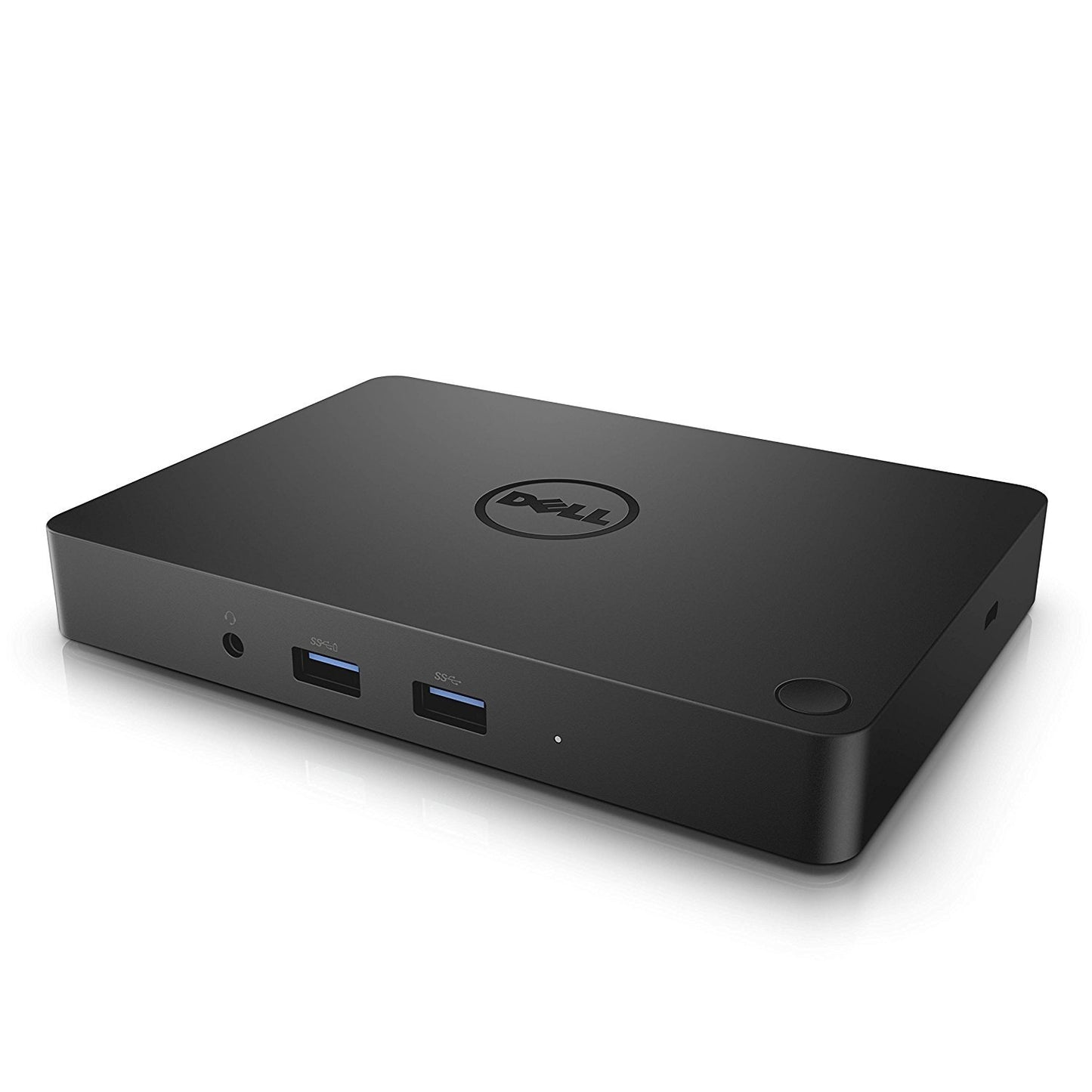
Dell type c WD15 130w Docking station refurbish sales
Dell type c WD15 130w Docking station refurbish sales
Couldn't load pickup availability
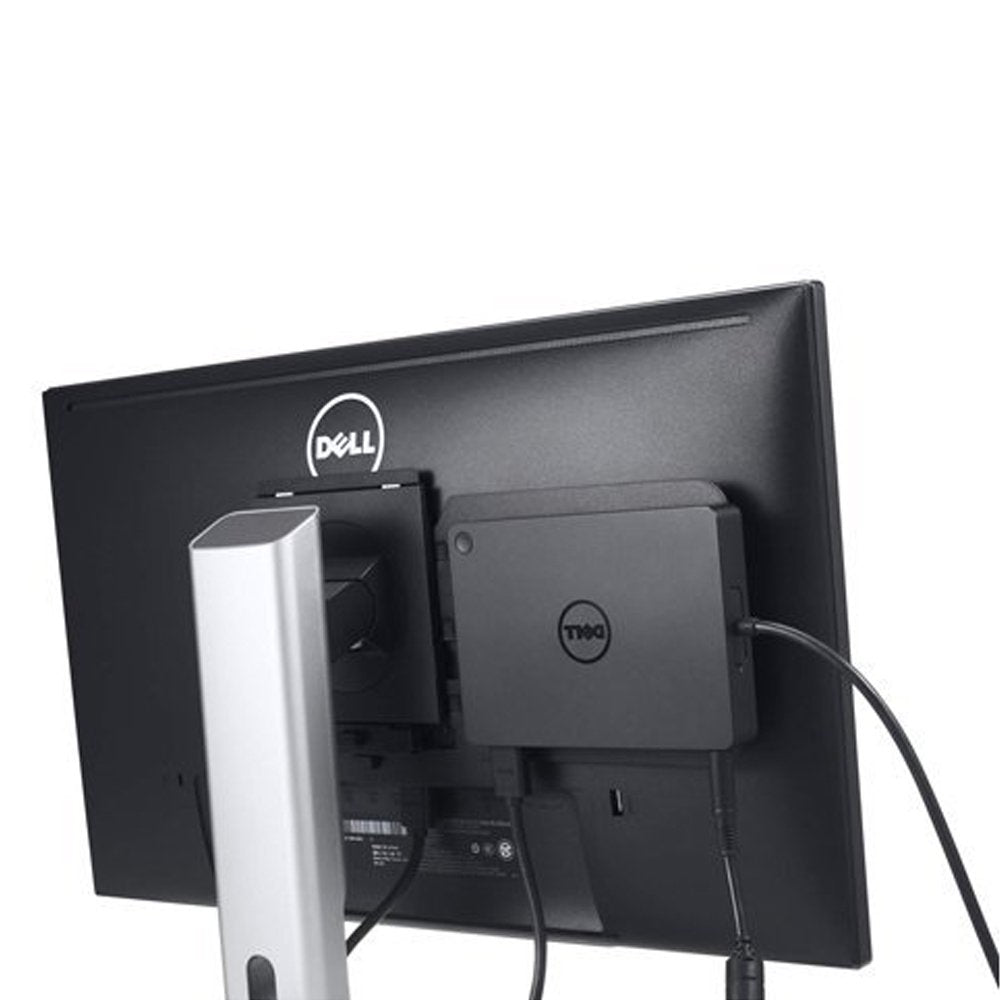
One cable, full desk setup. Tested docking station for your laptop.
Full compatibility list — click to expand
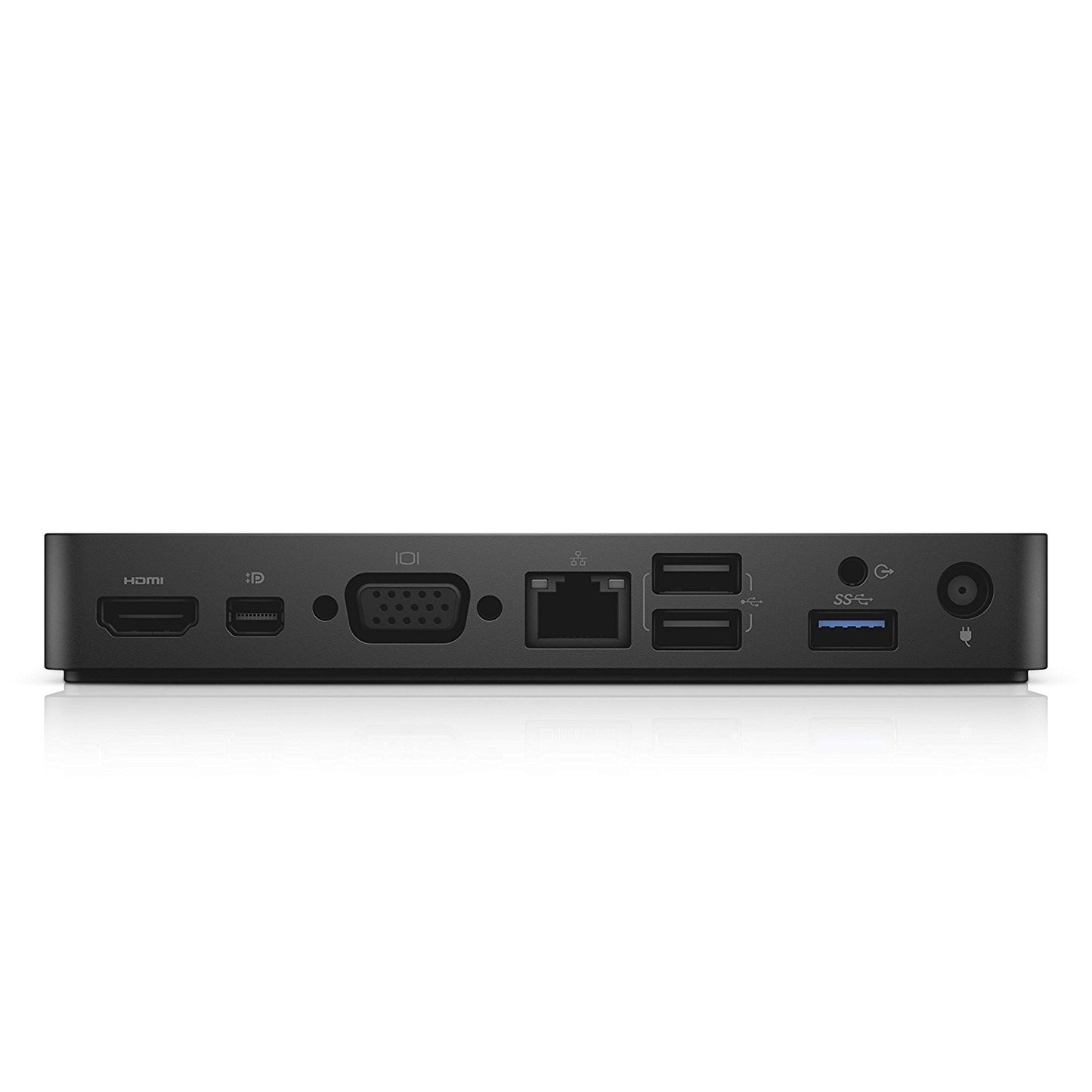
2 USB 2.0 4 USB 3 USB 3.0 9 USB 1 HDMI 19 HDMI 1 1000 45 1 3.5 1 3.5 1 VGA 15 DB-15 130W Dell, Windows7, Windows8 8.1, 10, 14.04 SP1 PRTS, v7.2(PRTS Dell for Dell and USB, and USB, Dell laptop and 130W for Dell, and 60W for, laptop FHD 4k 30Hz, and Dell compatible Dell laptops, and compatible, and, and Dell compatible models: Precision series: 15” 3510, 15” 3520, 15” 5510, 15” 5520, 15” 7510, 17” 7710 XPS series: 12” 9250, 13” 9350, 13” 9360, 13“ 9365, 15” 9550, 15” 9560 Latitude series: 15” E5570, 12” 5280, 12” 5285, 12” 5289, 14” 5480, 15” 5580, 12” 7275, 12” 7280, 13” 7380, 14” 7480 10 Pro 5056
Tested before shipping · Ships fast from Markham, Ontario · Professional installation available at our shop — free estimate. Backed by the Laptop King warranty.
Share